
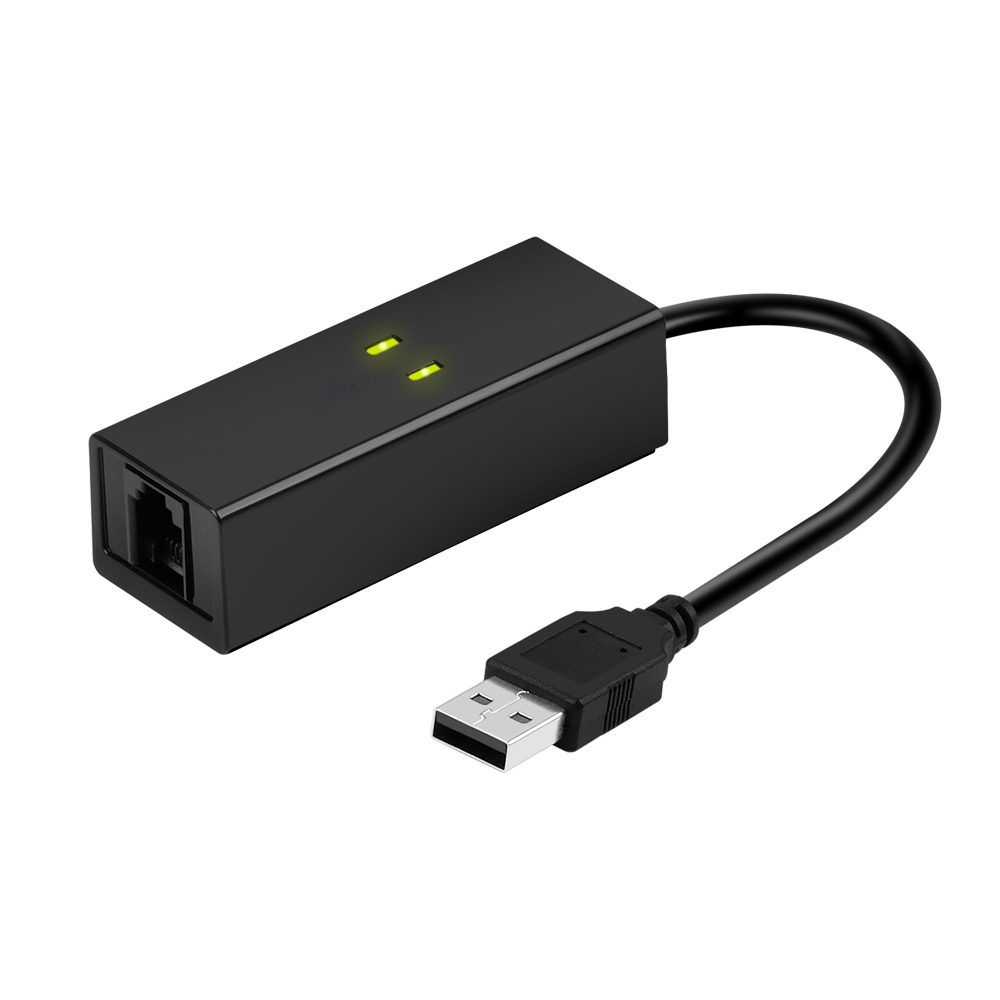

USB-факс-модем
USB-факс- и dial-up-модемы для устаревших телефонных линий.
The USB fax modem range keeps legacy telephone-line workflows alive: sending and receiving faxes from a PC, dial-up access to remote equipment, and POS or alarm systems that still expect a PSTN line.
Modems ship with driver packages for current Windows versions and are tested with common fax applications. Replacing an old internal modem with a USB model also removes the need for a free PCI slot and works on laptops as well as desktops.
- V.92 / V.90 dial-up data and 14.4 kbps fax (Class 1 / Class 1.0)
- USB bus-powered — no external power supply and no PCI slot required
- Works with standard fax software and Windows fax services
- Caller ID and distinctive ring support on selected models
- Suitable for POS terminals, alarm panels and remote maintenance dial-in
Часто задаваемые вопросы
Can I still send faxes over a telephone line with these modems?
Yes, as long as you have an active analogue line (PSTN) or an ATA port on a VoIP service that passes fax tones. Connect the modem to the line, install the driver, and use your fax application or Windows Fax and Scan.
Will the modem work over VoIP?
Only if the VoIP service supports fax reliably, which usually means G.711 pass-through or T.38. Many consumer VoIP lines drop fax tones, so if fax is business-critical we recommend keeping one analogue line for the modem.
Do I need drivers for Windows 10 or 11?
Driver packages for current Windows versions are listed in the download tab of each product. Install the driver before connecting the modem for the first time so that Windows assigns the correct COM port.
Нужна эта линейка оптом?
Сообщите, какие модели и в каком количестве вам нужны. Мы ответим ценами, сроками поставки и данными по сертификации.
Запросить коммерческое предложение
Онлайн-каталог
Вход для покупателей — цены, наличие и история заказов